Once a message is created, you are able to edit the details of the message prior to the
message being launched. Once a message is launched, it is locked and should not be
edited.
Note: .In cases where you must edit the details of the message after it has
launched, you are able to unlock the message by clicking the Unlock button
( ).
Once the edits are performed, you are able to lock the message once again by
clicking the Lock button (
).
Once the edits are performed, you are able to lock the message once again by
clicking the Lock button ( )
)
).
Once the edits are performed, you are able to lock the message once again by
clicking the Lock button ()
Editing a Message
To edit a message:
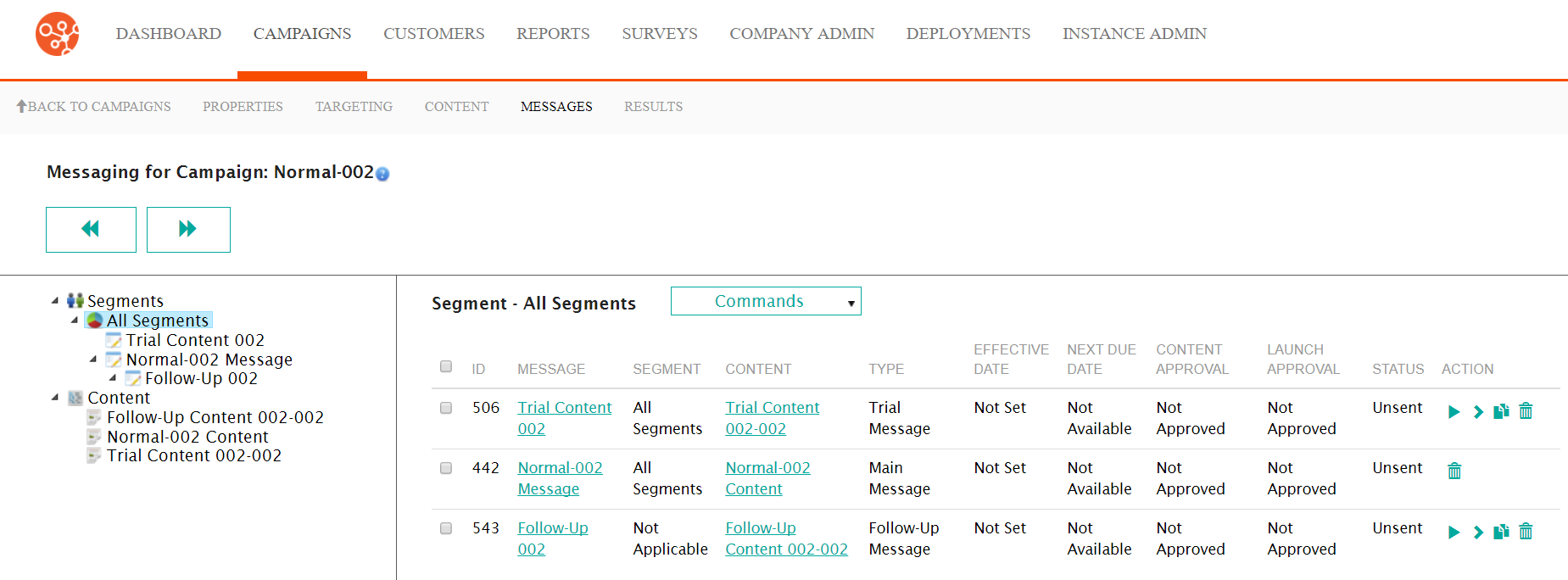
- Navigate to the Messages screen for the desired campaign.
- Select the desired message in the Segment Messaging screen by
clicking on the messages Message hyperlink. The Configure Message
to Segment screen appears displaying the message details.
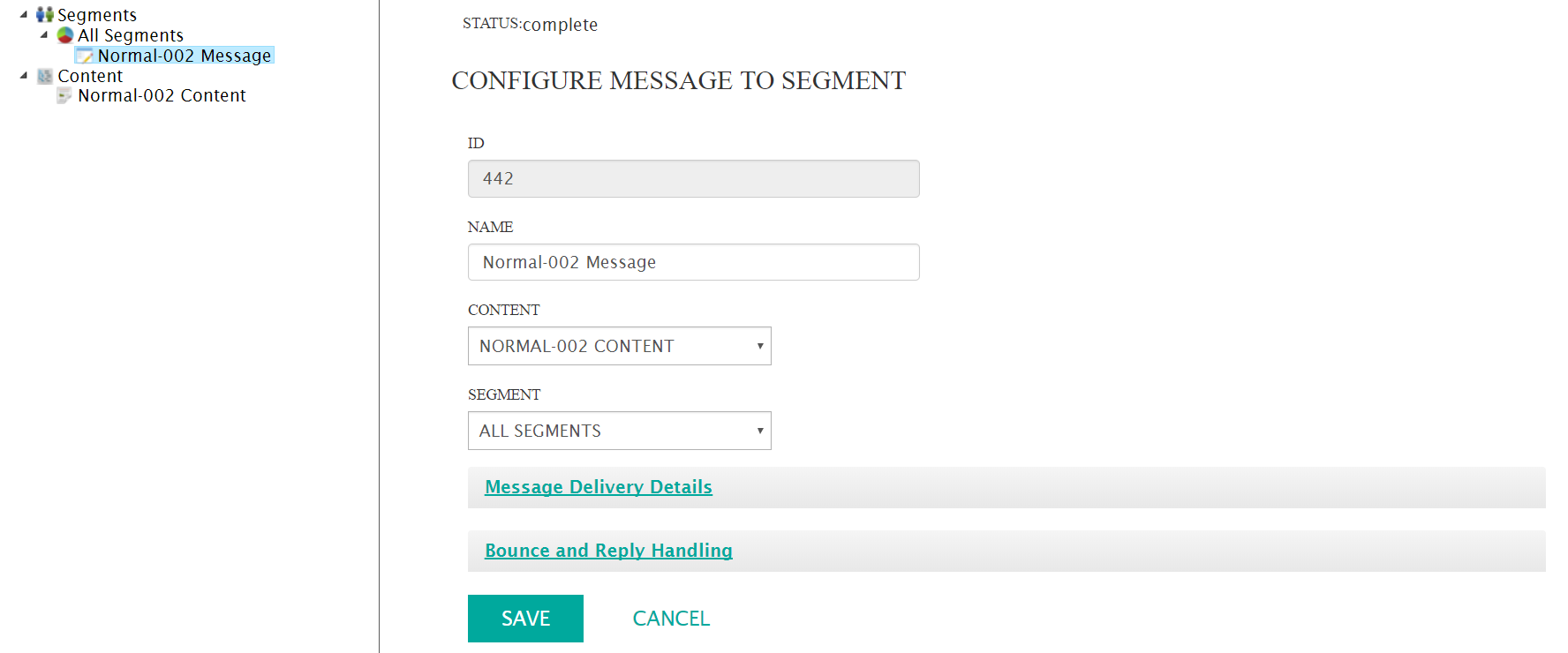
- Perform the necessary updates as required. For details on the information that needs to be updated for the different types of messages, please see:
- Configure the bounce and reply handler information. For more information on the details of bounce and reply handlers that can be edited, please see Configuring Bounce and Reply Handling Messages.
- To cancel without saving any changes to the message, click the Cancel button. The Messages screen displays without any changes being saved.
- Click the Save button. The changes to the message are saved.