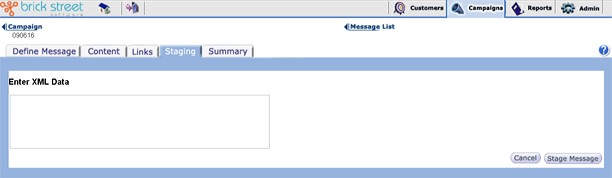
If the message you're staging is part of an externally-triggered campaign that includes XML data, you'll need to enter the XML data for that message for any message you stage on the Enter Message Staging Parameters page.
The system brings you to this page when you click the Stage Message button on the Message Staging page, but only if the message is part of an externally triggered campaign that includes XML data.
In the field at the top, enter the event parameter values that the staged message will use. Parameters you've associated with the campaign will be listed at the top of the page along with fields where you can enter the parameter values (dates, numbers, characters, and so on).
The example above shows a message that has only one parameter &endash; a date-related "PromotionStart" parameter - associated with the message.
You can define these parameters on the Campaign Event Define page (for more information about that, see the topic Creating Externally Triggered Campaigns).
Under Enter XML Data, enter the XML data linked with these parameters and the message.
Click Cancel to return to the Message Staging page. Click Stage Message to stage the message and have the system bring you to the Message Summary page.