Cloning a message allows you to create a copy of an existing message and message type associated
with a segment in order to make small adjustments to the message prior to sending. This
is particularly useful when sending multiple trial messages across different
segments.
Note: All details of the message are copied from the parent message and
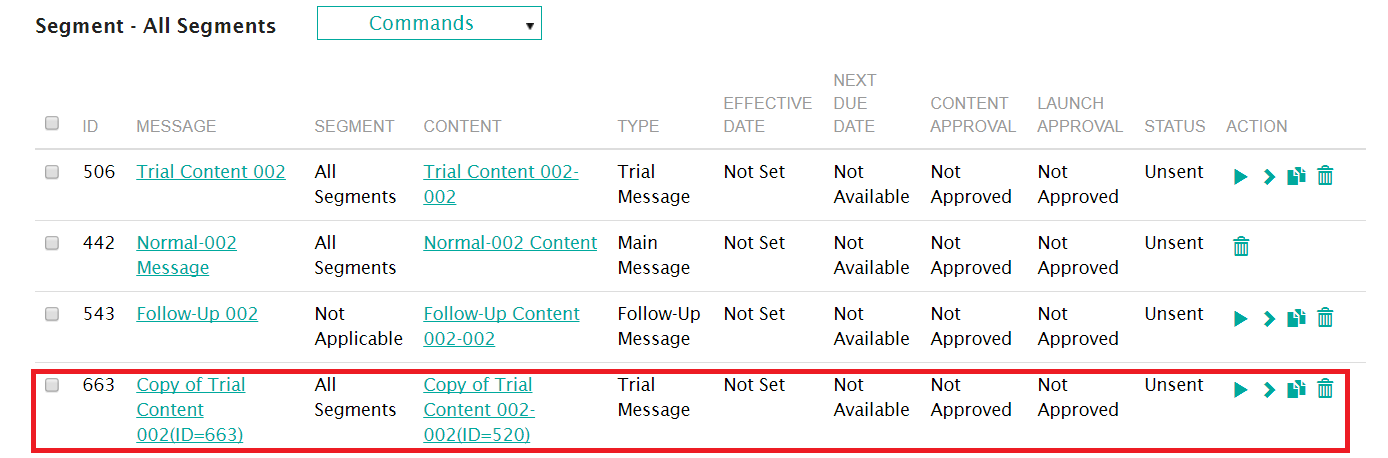
copied to the created clone. The naming standard for the clone is 'Copy of
[parent message name](ID=XXX)'. This, and all other details of the message
can be edited. For more information on editing messages, please see Editing Messages.
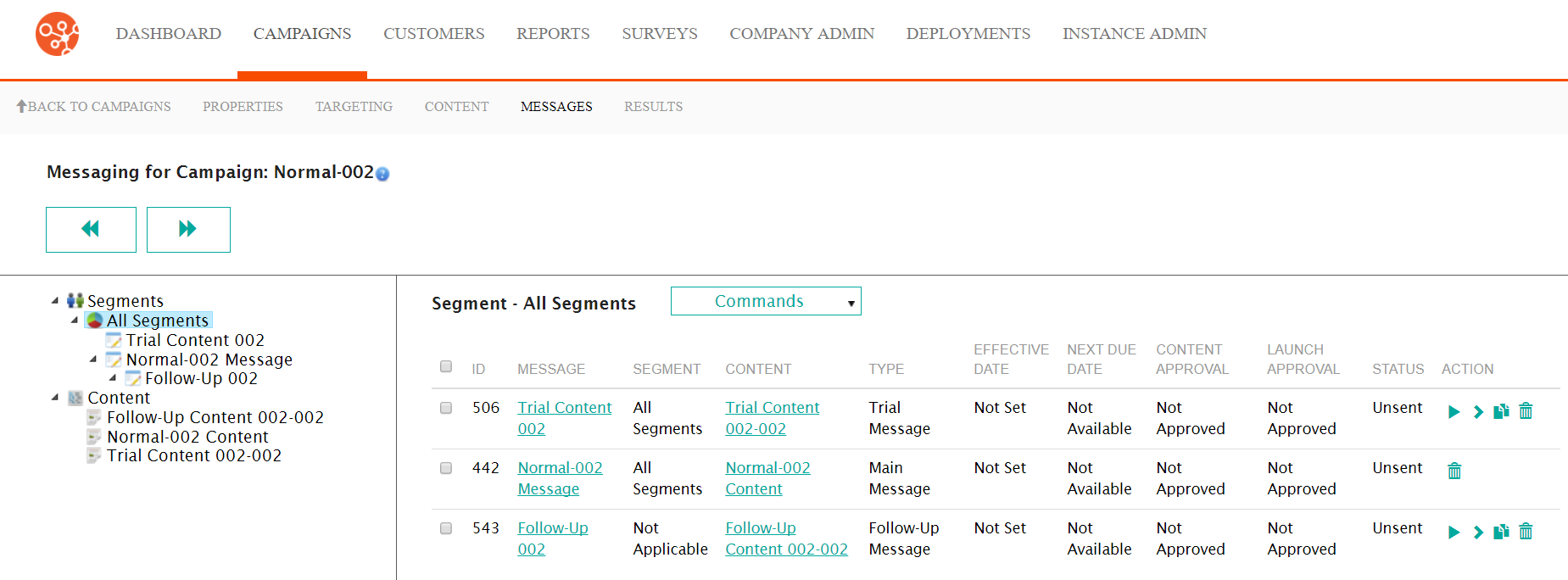
Cloning a Message
To clone a message:- Navigate to the Messages screen for the desired campaign.
- Beside the desired message, click the Clone icon (
 ). The
clone message confirmation message displays.
). The
clone message confirmation message displays.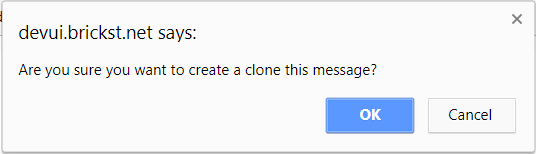
- To cancel, without cloning the message, click the Cancel button. The clone confirmation message disappears and the message is not copied.
- Click the OK button. The message is cloned and displays in the list of
segment messages.
 Note: The details of the cloned message are able to be changed by editing the message. For more information on editing messages, please see Editing Messages.