If you click Next on the Message Details page and you're reviewing or defining a trial message, the system will bring you to the Trial Message Details page. You can also get to this page by clicking the Define Message tab.
On this page, you'll define the size of the group of customers that the system will randomly select from the segment you've associated with the message. If you've associated all segments with the message, the group will be selected from the campaign's entire segmentation model (or audience model, if you've not defined a segmentation model for your campaign).
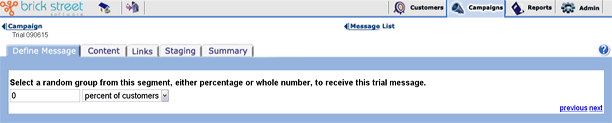
Use the drop down list box to tell the system how to select the random sample of customers for the trial. If you select percent of customers, the system will select a set of customers from the segment or audience associated with the message, according to the percentage you define. If you select customer(s) the system will select the number of customers that you define from the segment or audience associated with the message.
When you're done, click Next to go on to the Message Content page.