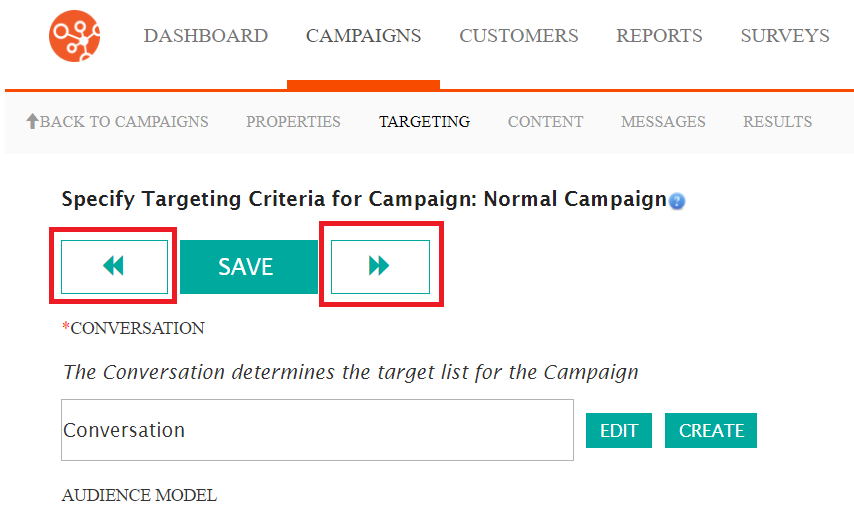
When navigating through Connect, navigation arrows will appear to bring you to the next or previous screen required to complete a particular piece of work.
- Left Arrow - Navigate to the previous screen
- Right Arrow - Navigate to the next screen in the sequence provided by the Connect wizard.
Clicking either arrow will save the current information that you have entered into the
fields in the screen.
Note: It is very important to use the on-screen navigation
when it is displayed. Do not use your browser's back or forward
buttons. If you use the browser's back or forward buttons you can get
unexpected results and data can be corrupted.