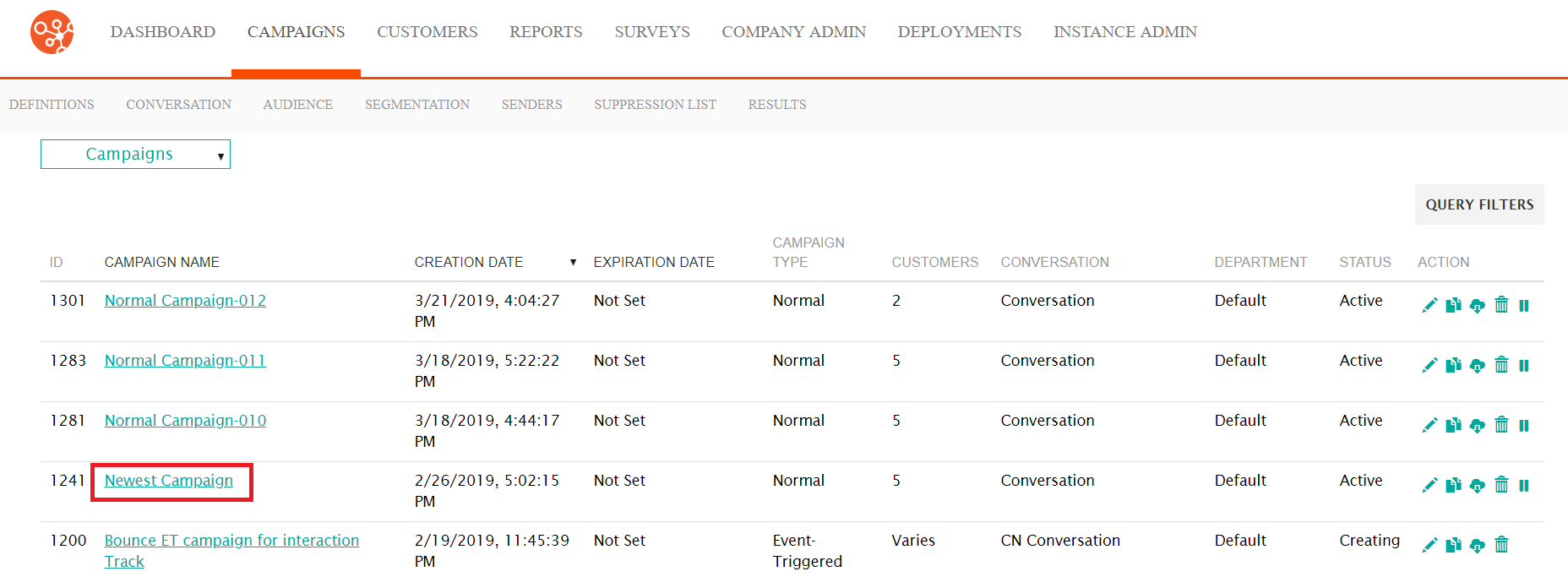
Blue text in a window indicates a link to an item. Black linked text in a column heading allows you to sort by that column's data.
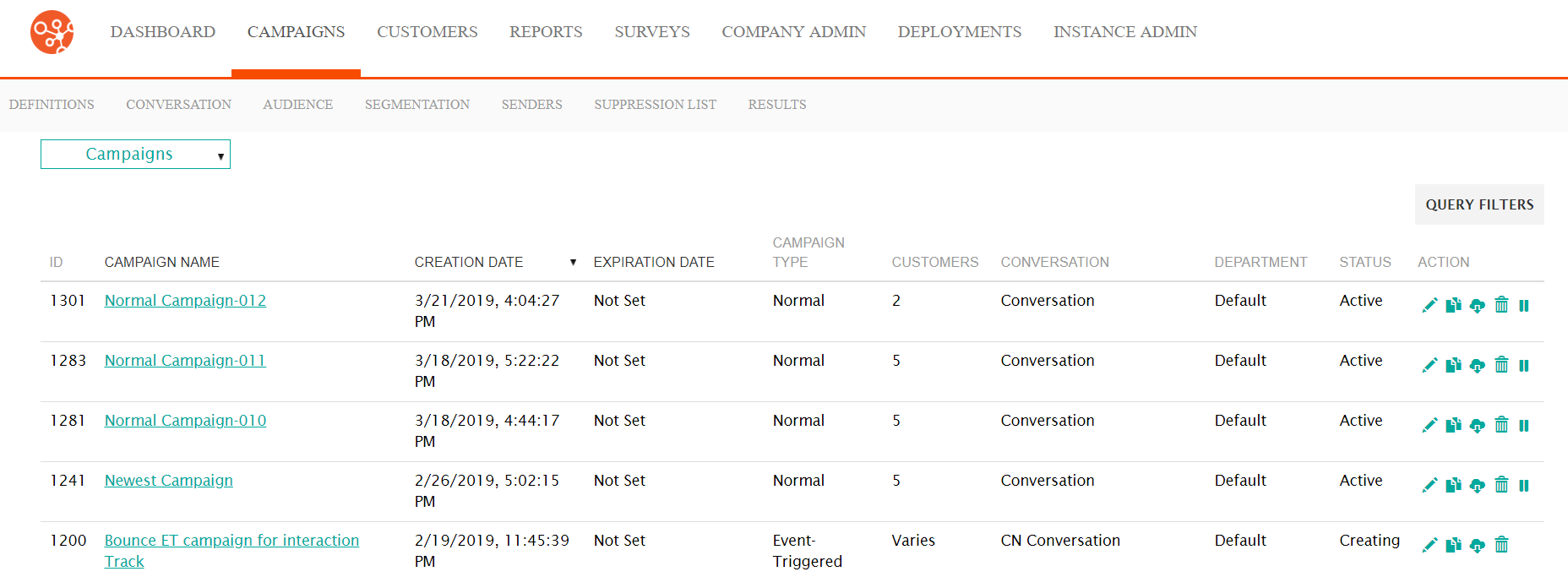
- Click the bold, black text at the top of a column to sort a table based on the
selected column. An arrow appears to indicate whether the column is sorted in
ascending order (lowest to highest) or descending order (highest to lowest). The
example below is sorted in descending order by date.
- All other links navigate you to the details of the item clicked. For example,
clicking on the Newest Campaign link navigates you to the
Campaigns screen allowing you to edit the details of the campaign
called 'Normal Campaign'.