When a launched or ready-to-launch message is paused, you are able to resume the message.to allow the message to be sent to customers once again.
Note: Because paused messages are able to be resumed, ensure that you are resuming the
appropriate message associated with the segment. Also ensure that no other
departments or users are using the message you intend to resume.
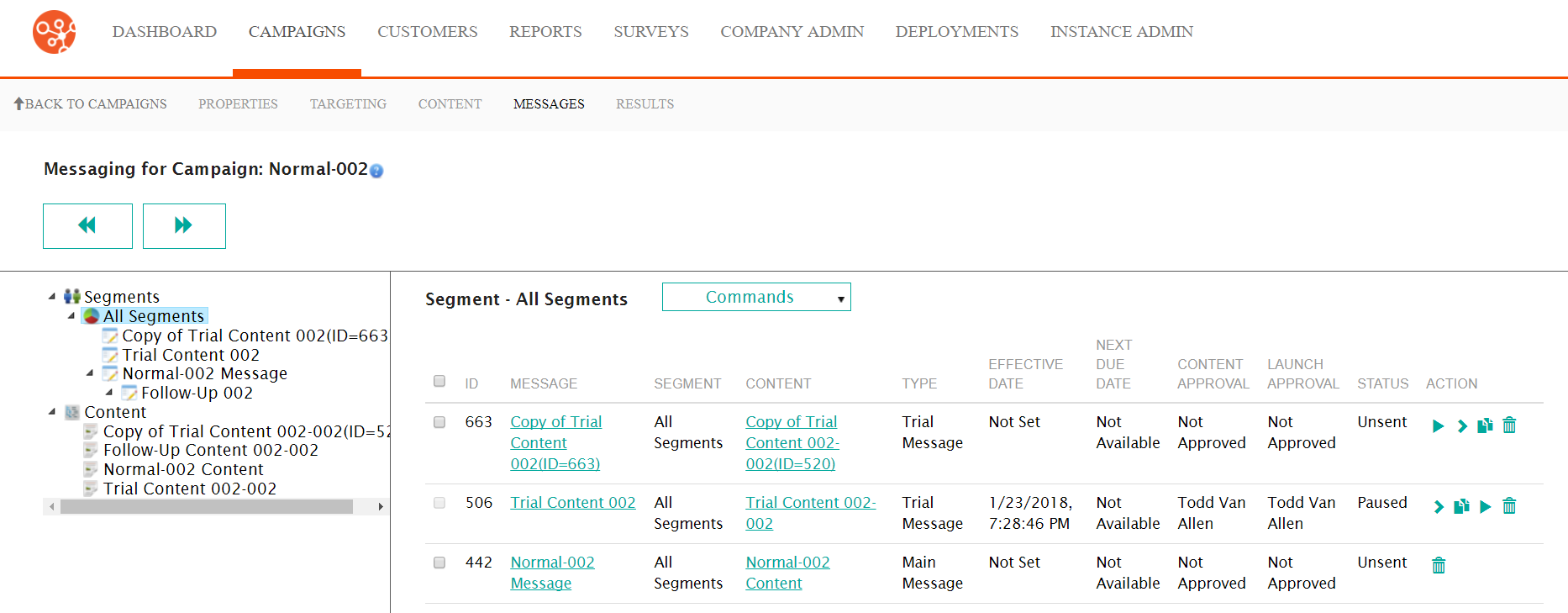
Resuming a Paused Message
To resume a paused message:
- Navigate to the Messages screen for the desired campaign.
- Beside the desired message, click the Resume icon (
 ).
The resume message confirmation message displays.
).
The resume message confirmation message displays.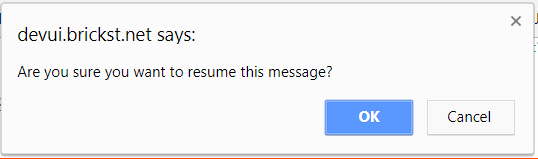
- To cancel, without resuming the message, click the Cancel button. The pause confirmation message disappears and the message is not resumed.
- Click the OK button. The message is returned to its original status.