Once a message is rolled out and approved for launch, you are able to launch the message. For more information on rolling out messages, please see Rolling Out Messages.
Launching a Message
To launch a message:
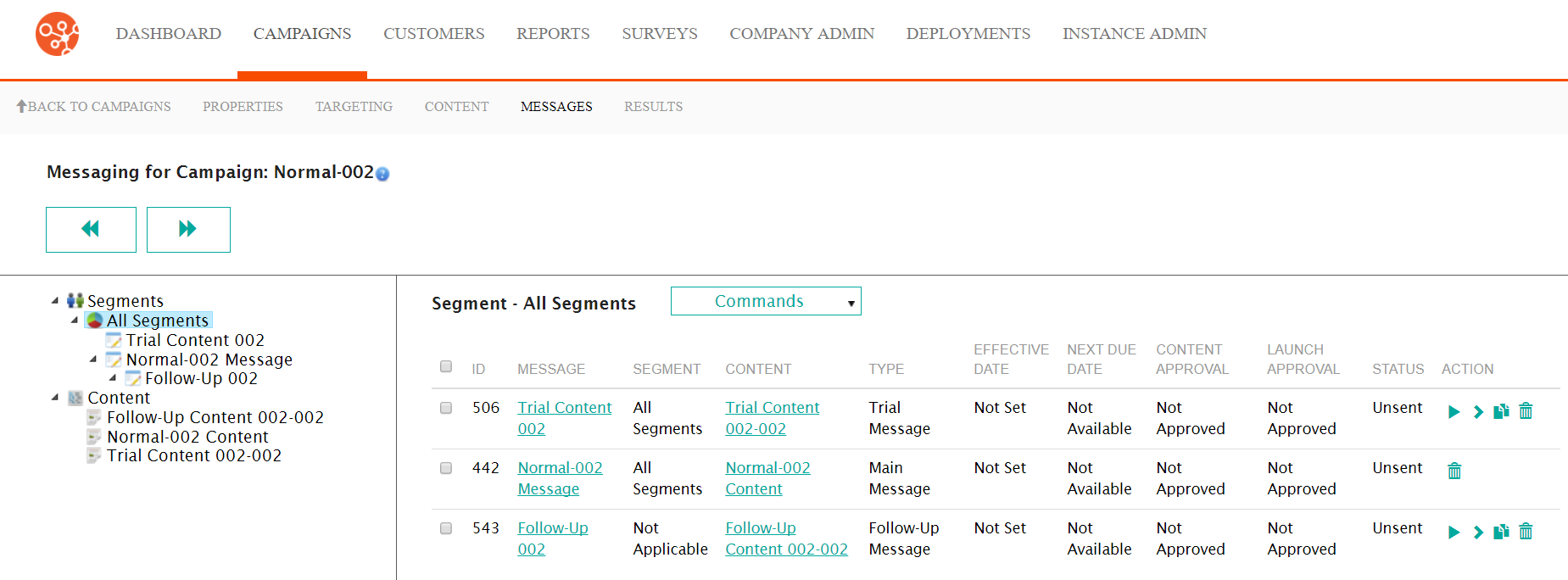
- Navigate to the Messages screen for the desired campaign.
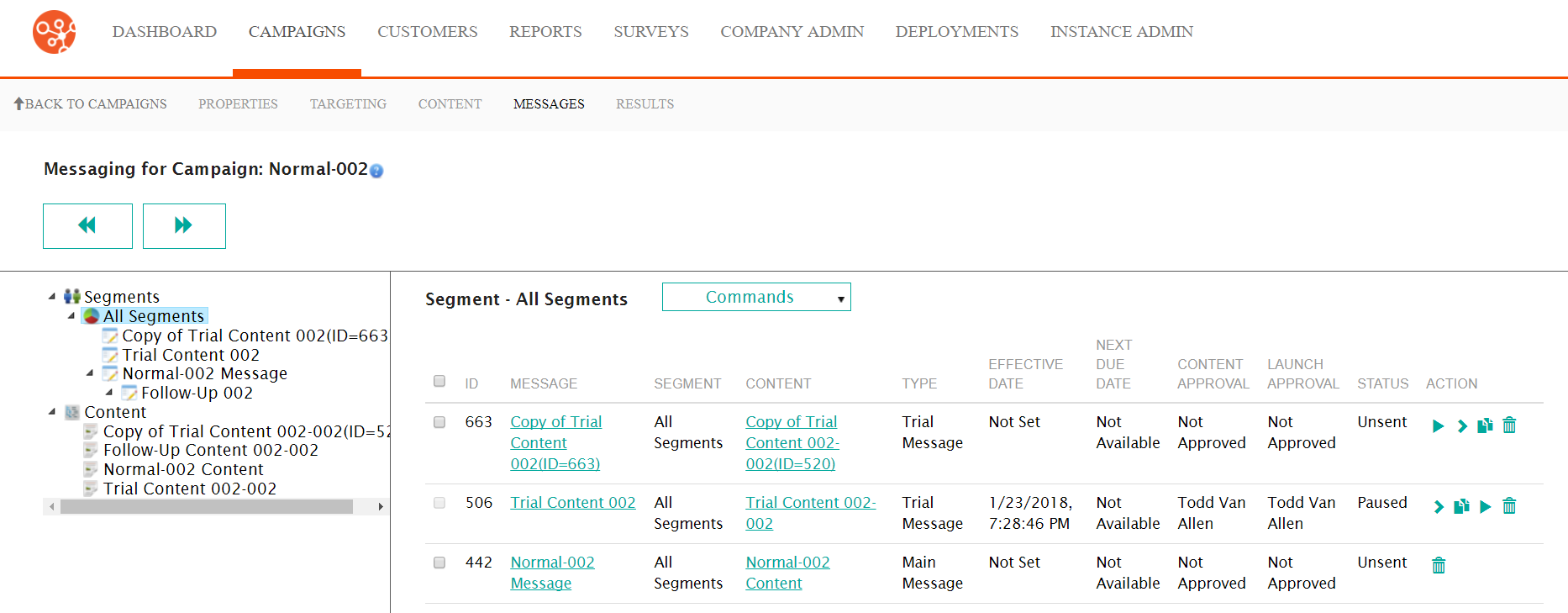 Note: Ensure that the message is already rolled out with full approvals and a launch date and time. For more information on rolling out messages, please see Rolling Out Messages.
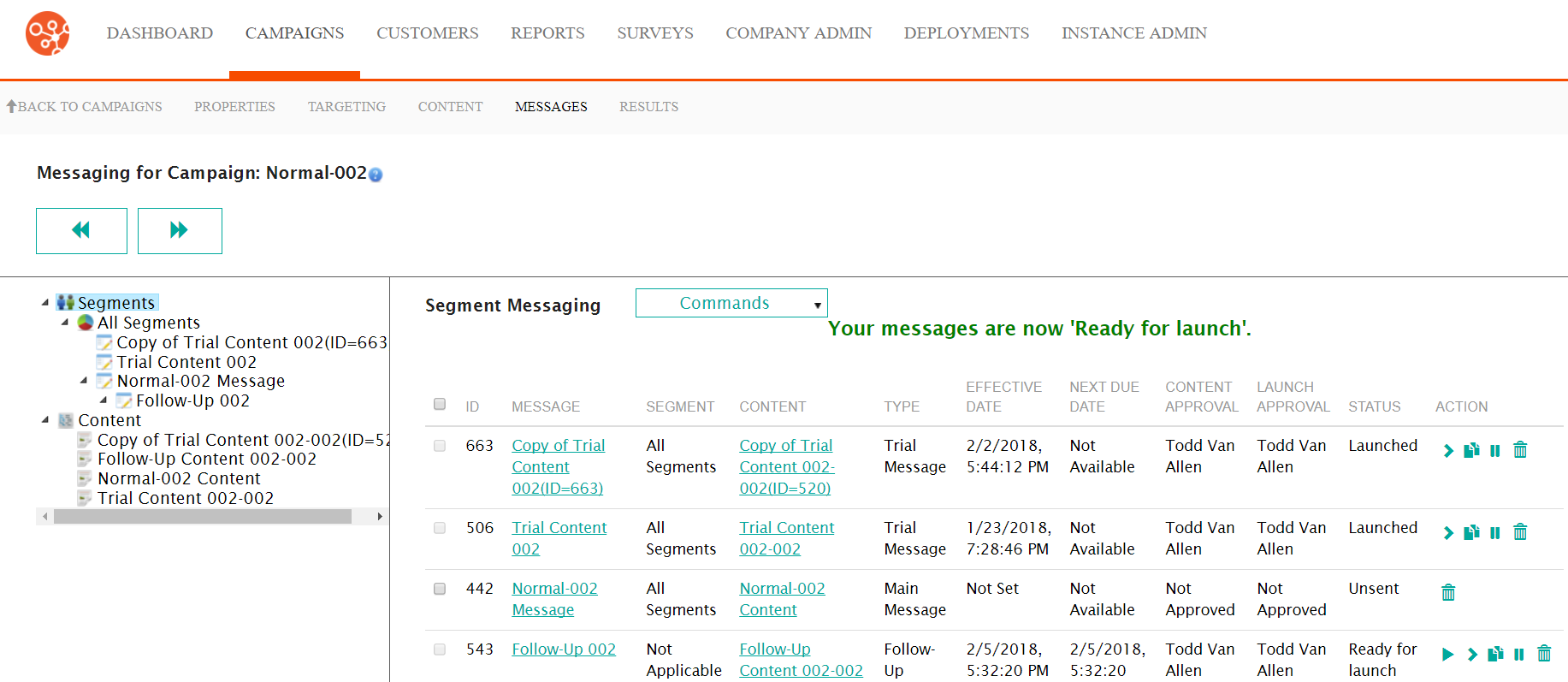
 - Select the checkbox beside the desired message and select Launch Messages
from the Commands dropdown. The confirmation message stating that the
message is in the "Ready to Launch" status displays.
 Note: You can also launch multiple unsent messages of the same type by selecting the checkboxes beside the desired messages and selecting Launch Messages from the Commands dropdown. Ensure the messages are of the same type (e.g. all messages are main messages).Note: You can also launch the message by clicking the Rollout icon (
 ) beside
the desired message. The Rollout Message screen appears. Click the
Launch button to launch the message.
) beside
the desired message. The Rollout Message screen appears. Click the
Launch button to launch the message.