If you have created a message in error, or have decided not to use a particular message for a segment, you are able to delete the message from the segment. You are able to delete messages that are either unsent or launched.
Note: Because launched messages are able to be deleted, ensure that you are deleting the
appropriate message associated with the segment. Also ensure that no other
departments or users are using the message you intend to delete.
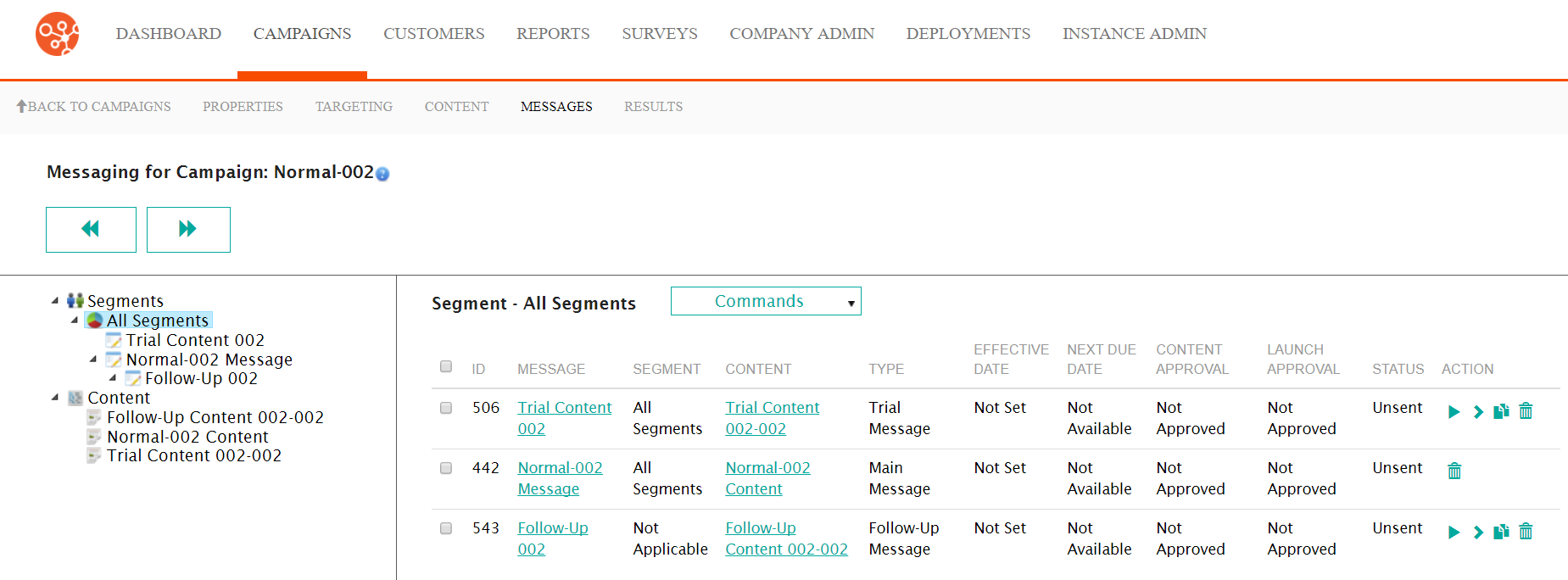
Deleting a Message
To delete a message:- Navigate to the Messages screen for the desired campaign.
- Beside the desired message, click the Delete icon (
 ). The
delete message confirmation message displays.
). The
delete message confirmation message displays.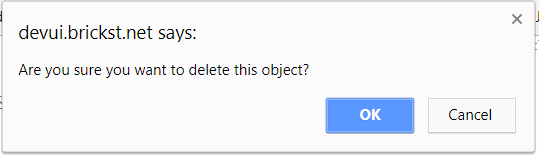
- To cancel, without deleting the message, click the Cancel button. The delete confirmation message disappears and the message is not deleted.
- Click the OK button. The message is deleted and no longer appears in the list of segment messages.