Setting up security profiles controls the actions users can perform in Connect. For example, defining a profile, you provide the user with the ability to create/edit a campaign, view reports, override lockdowns, and more. Normally, you assign groups to a security profile but you can assign individuals to a profile, too.
Create a Security Profile
Follow these directions to create a new security profile.
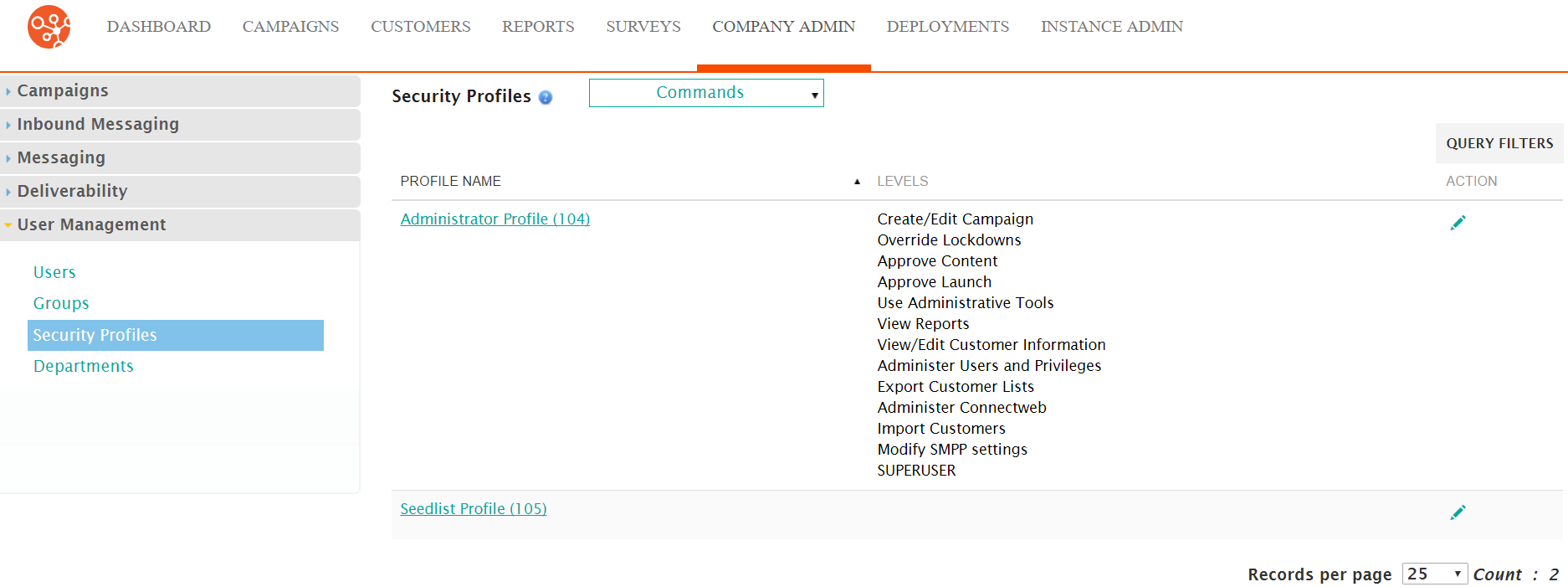
- From the Security Profiles screen,
click Commands > New Security Profile. The Enter Profile Information
screen appears.
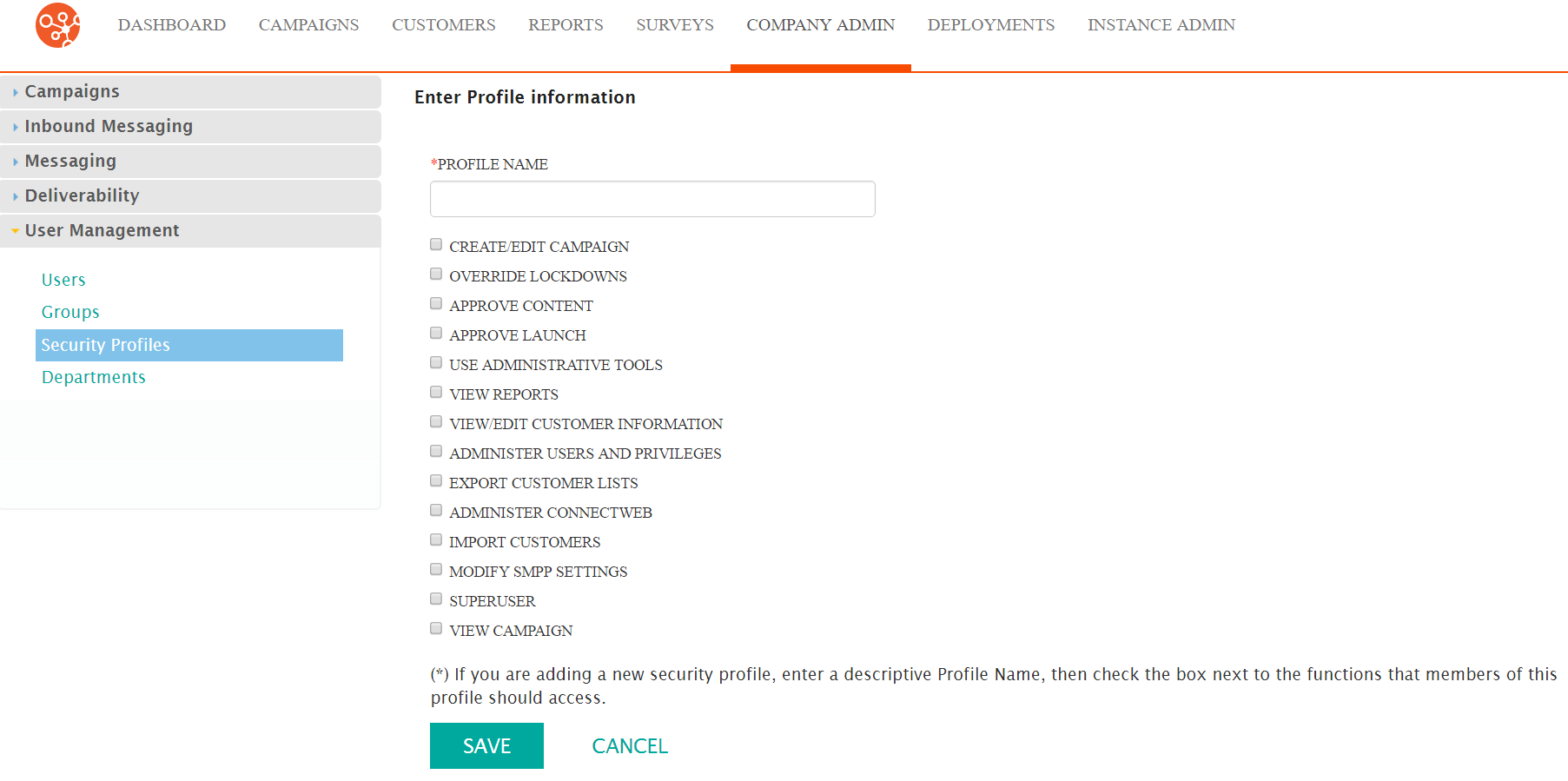
- In the Profile Name field, type a unique name for the security profile.
- Click one or more checkboxes beside the actions a user can perform.
- Click the Save button. The Security Profiles screen appears with the new profile in the list.
Edit a Security Profile
Follow these directions to edit a security profile.
- From the Security Profiles screen, click Actions > Edit. The Enter Profile Information screen appears.
- Make your changes.
- Click the Save button. The Security Profiles screen appears.
