Follow these directions to edit a sender name.
- From the Sender Names/Sender Domains screen, click Actions > Edit
on the row with the domain you want to edit. The Sender Names screen
appears.
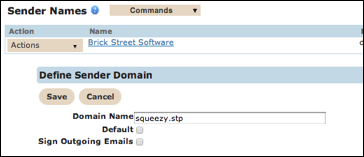
- Make your changes.
- Click the Save button. The Sender Name/Sender Domains screen appears.