When you select an attribute for the customer or click the edit icon of an existing attribute, the Customer Browser Attributes window appears.
In this example, the specified customer variable is Age Range.
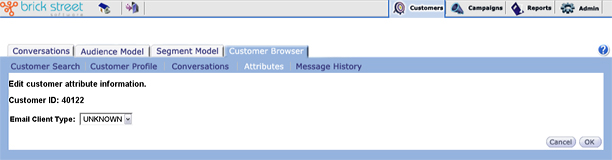
Note: when you enter or edit Customer Attribute information, the appearance of this window varies according to the attribute you’re assigning. Depending on the value type of the attribute you’ve selected, you may get a check box or a drop-down list from which to choose a valid value or you may get a text box in which to enter a value.